In the world of networking, connecting devices across larger distances often brings up a common question: “Can a 200 Ft Ethernet Cable truly deliver reliable performance?” As a seasoned professional with over a decade in the field and a content creator for SDCMT.com, I’m here to tell you that a 200 ft Ethernet cable is not only feasible but can be a powerful solution for extending your network, whether it’s for a sprawling smart home, a bustling office, or connecting an outdoor security camera. Let’s dive deep into making the right choices and ensuring seamless connectivity.
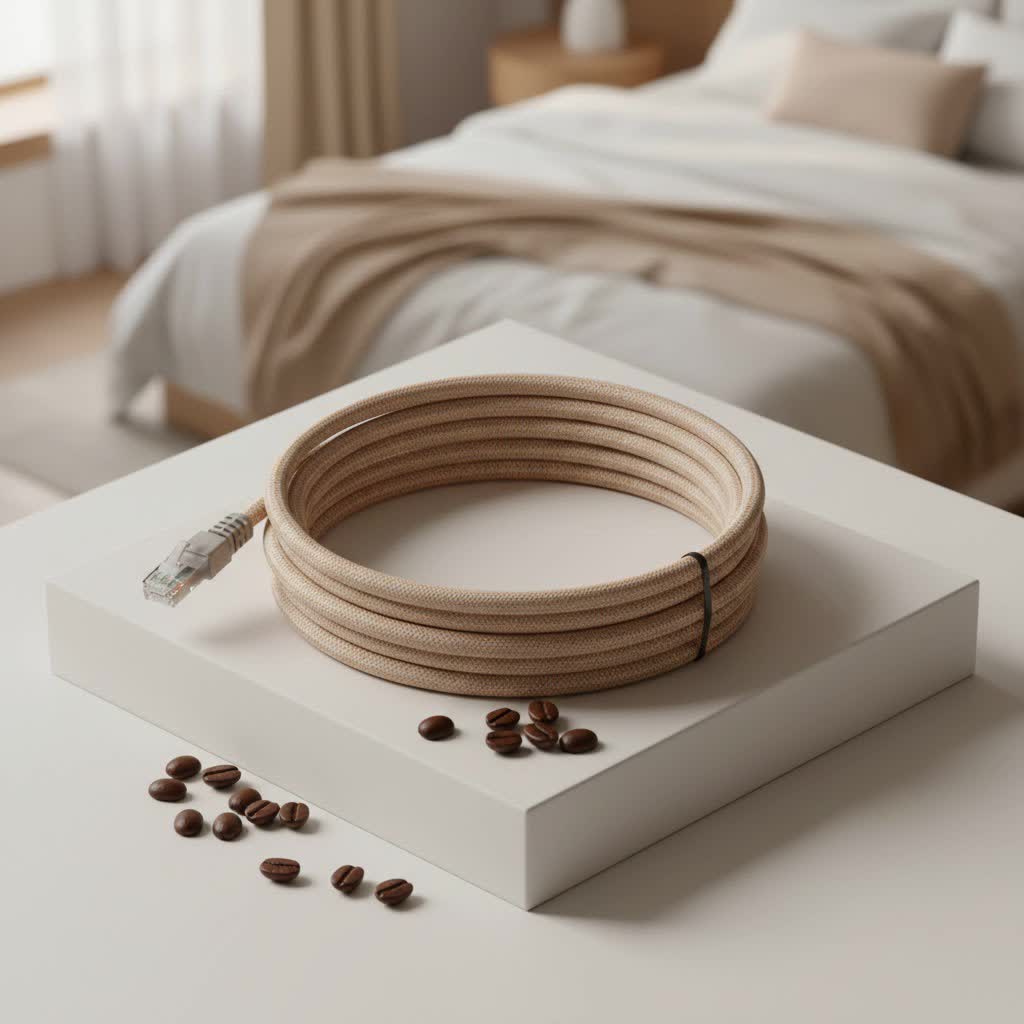
Is 200 Feet Too Long for an Ethernet Cable? Demystifying the Distance Myth
It’s a common misconception that extending an Ethernet cable to lengths like 200 feet will automatically result in significant speed loss or an unstable connection. The good news is, a 200 ft Ethernet cable is generally well within acceptable limits for most networking standards. The industry standard maximum length for a single run of Ethernet cable, regardless of whether it’s Cat5e, Cat6, or Cat7, is 100 meters (approximately 328 feet). This means a 200-foot run sits comfortably within that established maximum, allowing for robust data transmission without needing signal boosters or repeaters.
Why the concern then? Signal degradation, or attenuation, does occur over distance. However, modern Ethernet cables are designed with twisted pairs of wires and often shielding to minimize this effect. With a high-quality 200 ft ethernet cable, you can expect stable and fast connections, especially when selecting the appropriate category for your network’s speed demands.
Navigating the Ethernet Cable Categories: Which “Cat” is Right for Your 200 ft Run?
Understanding the different Ethernet cable categories, or “Cats,” is crucial when selecting a 200 ft ethernet cable. Each category offers varying levels of performance in terms of speed and bandwidth. Choosing the right one ensures you meet your current needs while potentially future-proofing your setup.
Cat5e: The Reliable Workhorse for Everyday Needs
|
Our Picks for the Best Ethernet Cable in 2026
As an Amazon Associate I earn from qualifying purchases.
|
||
| Num | Product | Action |
|---|---|---|
| 1 | Vabogu Cat 8 Ethernet Cable, Heavy Duty High Speed Internet Network Cable, Multiple Size Options, 26AWG, 2000MHz 40Gbps with Gold Plated RJ45 Connectors, Shielded for Indoor & Outdoor Use, 6FT |

|
| 2 | Cat 8 Ethernet Cable 50 ft, 6ft 10ft 20ft 30ft 40ft 75ft 100ft 150ft Heavy Duty High Speed Internet Network Cable 26AWG 40Gbps 2000Mhz,Professional LAN Cable Shielded in Wall,Indoor&Outdoor |
|
| 3 | Amazon Basics RJ45 Cat-6 Ethernet Patch Cable, 1Gpbs Transfer Speed, Gold-Plated Connectors, 50 Foot for PC, TV, Tablet, Router, Printer, Black |
|
| 4 | Amazon Basics 5-Pack RJ45 Cat 6 Ethernet Patch Cable, 10Gpbs High-Speed Cable, Gold-Plated, Snagless, 5 Foot, Multicolor |
|
| 5 | Jadaol Cat 6 Ethernet Cable 50 ft, 10Gbps Support Cat8 Cat7 Network, Flat RJ45 LAN Patch Cable, High-Speed Wired Internet Cable for Router, Modem, Switch, Gaming Consoles, PC, Streaming Devices, White |
|
| 6 | Amazon Basics RJ45 Cat 6 Ethernet Patch Cable, 10Gpbs High-Speed Cable, 250MHz, Snagless, 10 Foot, Black for Printer |
|
| 7 | UGREEN Cat 8 Ethernet Cable 10FT, High Speed Braided 40Gbps 2000Mhz Network Cord Cat8 RJ45 Shielded Indoor Heavy Duty LAN Cables Compatible for Gaming PC PS5 Xbox Modem Router 10FT |
|
| 8 | Amazon Basics Cat 6 Ethernet RJ45 10Gbps Flat Cable 100 ft Outdoor&Indoor White Solid Patch Cord with Clips for Router, Modem, PS4/5, Xbox, Gaming, Computer Network for High Speed LAN Internet |
|
| 9 | UGREEN Cat 8 Ethernet Cable 6FT, High Speed Braided 40Gbps 2000Mhz Network Cord Cat8 RJ45 Shielded Indoor Heavy Duty LAN Cables Compatible for Gaming PC PS5 Xbox Modem Router 6FT |
|
| 10 | Snowkids Cat 8 Ethernet Cable 15 FT, Strong Signal, High Speed 40Gbps 2000Mhz, Network Cord with RJ45 Internet Connector for TV/Printer/Computer/Modem/Router/ps-3/4/5, Braided Flat LAN Cable 15FT Grey |
|
Category 5e (Cat5e) cables are a solid, economical choice for many standard networking applications. They are designed to support Gigabit Ethernet (1 Gbps) speeds over distances up to 100 meters, which includes your 200 ft requirement. For typical home use, web browsing, streaming, and general file transfers, a 200 ft Cat5e cable will provide perfectly adequate performance. It’s also often thinner and more flexible, making installation a bit easier in some scenarios.
Cat6: The Sweet Spot for Gigabit Performance and Beyond
When you’re looking for enhanced performance and a bit more headroom, Cat6 cables are an excellent upgrade. A 200 ft Cat6 cable also supports 1 Gigabit Ethernet over 100 meters, just like Cat5e. However, Cat6 offers higher bandwidth, up to 250 MHz, compared to Cat5e’s 100 MHz. This additional bandwidth provides a more stable signal and better resistance to crosstalk. Crucially, Cat6 can support 10 Gigabit Ethernet, though typically only over shorter distances (up to about 37 meters or 121 feet). So, while you won’t get 10 Gbps over the full 200 ft, a Cat6 cable at this length will deliver a very robust 1 Gbps connection, making it a preferred choice for many users, especially for demanding applications like online gaming or connecting a network-attached storage (NAS) device.
Cat6a: Powering High-Speed 10 Gigabit Networks Over Distance
If 10 Gigabit Ethernet is a must-have for your entire 200 ft run, then Category 6a (Cat6a) is your answer. “Augmented” Cat6, Cat6a cables are engineered to deliver 10 Gbps speeds consistently over the full 100-meter distance. They achieve this with improved shielding and higher bandwidth capacity (up to 500 MHz). While a 200 ft Cat6a cable might be a bit more rigid and slightly pricier than Cat6, it’s the ideal choice for businesses, data centers, or advanced home users who require maximum throughput for bandwidth-intensive tasks over longer runs.
Cat7 and Cat8: When Extreme Performance Matters (or Doesn’t)
Categories 7 (Cat7) and 8 (Cat8) represent the pinnacle of Ethernet cable performance, but they are often overkill for a 200 ft home or small office installation. Cat7 cables support up to 10 Gbps and offer even higher bandwidth (600 MHz) with robust shielding, often utilizing GG45 connectors (though RJ45 compatible versions exist). Cat8, on the other hand, is designed for incredibly fast 25 Gbps or 40 Gbps networks, primarily in data center environments, but only over very short distances (up to 30 meters). For a 200 ft Ethernet cable, the benefits of Cat7 or Cat8 are usually outweighed by their higher cost and increased rigidity, with Cat6a providing more than enough performance for almost all real-world applications at this length.
Beyond the Category: Essential Factors for Your 200 ft Ethernet Cable
Choosing the right category is just one piece of the puzzle. Several other factors play a critical role in the performance and longevity of your 200 ft Ethernet cable.
Pure Copper vs. CCA: Why Quality Conductors Make All the Difference
This is a non-negotiable point for any long Ethernet cable run, especially a 200 ft ethernet cable: always choose pure copper conductors. Many cheaper cables are made with Copper Clad Aluminum (CCA), which uses an aluminum core coated with a thin layer of copper. While CCA cables are less expensive to manufacture, they are significantly inferior in performance. Aluminum has higher electrical resistance than copper, leading to greater signal attenuation and reduced reliability over distance. CCA cables are also more brittle, prone to breaking, and not suitable for Power over Ethernet (PoE) applications due to higher heat generation. For a truly stable and long-lasting connection, invest in a 200 ft Ethernet cable made with 100% pure solid copper conductors.
Shielded vs. Unshielded: Protecting Your Signal from Interference
Ethernet cables come in two main types regarding shielding: Unshielded Twisted Pair (UTP) and Shielded Twisted Pair (STP) or its variants like F/UTP (Foiled Twisted Pair).
- UTP (Unshielded Twisted Pair): This is the most common type for residential and most office environments. It relies solely on the twisting of wire pairs to cancel out electromagnetic interference (EMI) and crosstalk. For typical indoor use without major sources of interference, a 200 ft UTP cable is often sufficient.
- STP (Shielded Twisted Pair): Shielded cables incorporate an additional protective layer, typically aluminum foil or braided mesh, around individual wire pairs or the entire bundle. This shielding provides superior protection against external EMI from power lines, fluorescent lights, or large machinery, and also reduces internal crosstalk. If your 200 ft Ethernet cable run passes through areas with high electromagnetic noise or is installed alongside power cables, an STP cable can be highly beneficial. However, proper grounding of shielded cables is paramount. Improperly grounded shielding can act as an antenna, actually increasing interference.
Built for the Elements: Choosing Outdoor-Rated 200 ft Ethernet Cables
Running a 200 ft Ethernet cable outdoors, perhaps to a detached garage, a shed, or an outdoor surveillance camera, requires a specialized cable. Standard indoor cables are not built to withstand the elements. Outdoor-rated cables feature:
- UV Protection: A durable, UV-resistant jacket (often made of LDPE – Low-Density Polyethylene or TPU) prevents the cable from becoming brittle and cracking due to sun exposure.
- Waterproofing: These cables are designed to resist moisture, preventing water ingress that can degrade signal quality and damage conductors. Some are even rated for direct burial, meaning they can be buried underground without needing a conduit.
- Robust Construction: Outdoor cables are typically more rugged to protect against physical damage from environmental factors or pests.
- Solid Core: For outdoor and PoE applications, solid core copper conductors are preferred for their better electrical performance over longer distances and durability.
Ignoring these specific requirements for outdoor runs can lead to premature cable failure and costly replacements.
Powering Devices with PoE: What to Look for in a 200 ft Cable
Power over Ethernet (PoE) technology allows network devices like IP cameras, wireless access points (WAPs), and VoIP phones to receive both data and electrical power through a single Ethernet cable. This simplifies installation and reduces cabling clutter. When using a 200 ft Ethernet cable for PoE applications, especially higher-power PoE++ (over 60 watts), it’s crucial to select a cable with:
- Solid Copper Conductors: As discussed, pure copper solid core cables are essential for efficient power delivery and minimizing heat generation, which is vital for PoE.
- Appropriate Gauge (AWG): Thicker conductors (lower AWG number, e.g., 23 AWG or 22 AWG for Cat6/6a/8) have lower resistance and are better for carrying power over distance without excessive voltage drop or heat buildup. Many outdoor Cat6 cables are designed to be PoE compatible.
Seamless Installation: Getting Your 200 ft Ethernet Cable Up and Running
A great cable still needs a great installation. Here are some pro tips for deploying your 200 ft Ethernet cable effectively.
Planning Your Route: A Crucial First Step
Before you even unroll your 200 ft ethernet cable, plan its path carefully. Consider:
- Avoiding Interference: Keep your Ethernet cable away from sources of significant electromagnetic interference, such as large electrical appliances, fluorescent lights, or power lines. If this isn’t possible, consider using a shielded cable.
- Gentle Curves: Avoid sharp bends or kinks, as these can damage the internal conductors and impair signal quality. Maintain a minimum bend radius (typically four times the cable’s diameter).
- Conduit Protection: For outdoor or in-wall runs, consider using electrical conduit. This provides an extra layer of physical protection against damage, moisture, and pests, and makes future upgrades easier.
- Cable Length Estimate: Always measure twice and add a little extra for unforeseen turns or future adjustments. A little slack is always better than coming up short.
Proper Termination: The Key to a Stable Connection
Even the best 200 ft ethernet cable can fail if not terminated correctly. The RJ45 connectors on each end need to be crimped precisely to the cable’s conductors. Most installations follow either the T568A or T568B wiring standard. The critical thing is to ensure consistency: both ends of a straight-through cable must use the same standard (e.g., T568B on both ends). Incorrect wiring can lead to a non-functional or unreliable connection. If you’re not experienced with crimping, pre-terminated cables are an excellent option for long runs.
Cable Management: Keep it Tidy, Keep it Healthy
Once your 200 ft Ethernet cable is in place, proper cable management is essential for its longevity and performance. Use cable ties, clips, or raceways to secure the cable, preventing it from being tripped over, snagged, or unduly stressed. Keeping cables neatly organized not only looks professional but also reduces the risk of accidental damage and improves airflow in equipment racks.
Troubleshooting Common Issues with Long Ethernet Runs
Even with careful planning, sometimes issues arise. Here are quick troubleshooting tips for a 200 ft Ethernet cable:
- No Connection/Intermittent Connection: First, check the physical connections at both ends. Ensure the RJ45 connectors are fully seated. Try restarting connected devices (router, switch, computer). If the issue persists, the cable itself might be faulty, or there could be a termination problem.
- Slow Speeds: Verify your network devices (router, switch, network card) support the desired speed (e.g., Gigabit). A 200 ft Cat5e cable might limit you to 1 Gbps, but if you expect 10 Gbps, you’d need Cat6a. Test the cable with a network cable tester if available, or try a shorter, known-good cable to isolate the issue.
- Interference: If you suspect EMI, check if the cable is running too close to power lines or large motors. Consider re-routing or upgrading to a shielded cable if the environment is noisy.
Maximizing Lifespan: Care and Maintenance for Your 200 ft Ethernet Cable
A 200 ft Ethernet cable is an investment, and proper care can significantly extend its useful life.
- Avoid Physical Stress: Do not yank or pull on the cable, especially at the connectors. Avoid placing heavy objects on the cable or running it through areas where it can be frequently stepped on or crushed.
- Protect Connectors: Keep RJ45 connectors clean and free of dust or debris. Use protective caps if the cable ends are exposed when not in use.
- Environmental Protection: For outdoor cables, regularly inspect the jacket for any signs of damage, cracking, or exposure. Address any issues promptly to prevent moisture ingress. For indoor cables, keep them away from excessive heat sources.
- Regular Checks: Periodically check your cable runs, especially if they are in high-traffic areas or subject to environmental stressors, to ensure everything is secure and undamaged.
By following these simple guidelines, your 200 ft Ethernet cable will serve you reliably for years to come.
Conclusion
A 200 ft Ethernet cable is a fantastic tool for extending your network’s reach, offering reliable and high-speed connectivity where wireless signals might struggle. From choosing the right category like Cat6 or Cat6a for optimal performance, ensuring you have pure copper conductors, and selecting outdoor-rated options for external runs, every decision contributes to a robust and stable connection. At SDCMT, we’re dedicated to helping you navigate the complexities of Ethernet cabling, empowering you to build a network that truly works for you, safely and efficiently. Embrace the power of a well-chosen and properly installed 200 ft Ethernet cable to unlock seamless connectivity across your entire space.
