A 30-foot Ethernet cable is an ideal length for optimizing home and office networks, providing sufficient reach for most room-to-room connections without signal degradation. This length, approximately 9 meters, is well within the 100-meter (328 feet) maximum recommended length for optimal performance across standard Ethernet categories like Cat5e, Cat6, and Cat7, ensuring maximum stability, speed, and low latency for devices such as gaming consoles, smart TVs, and desktop PCs.
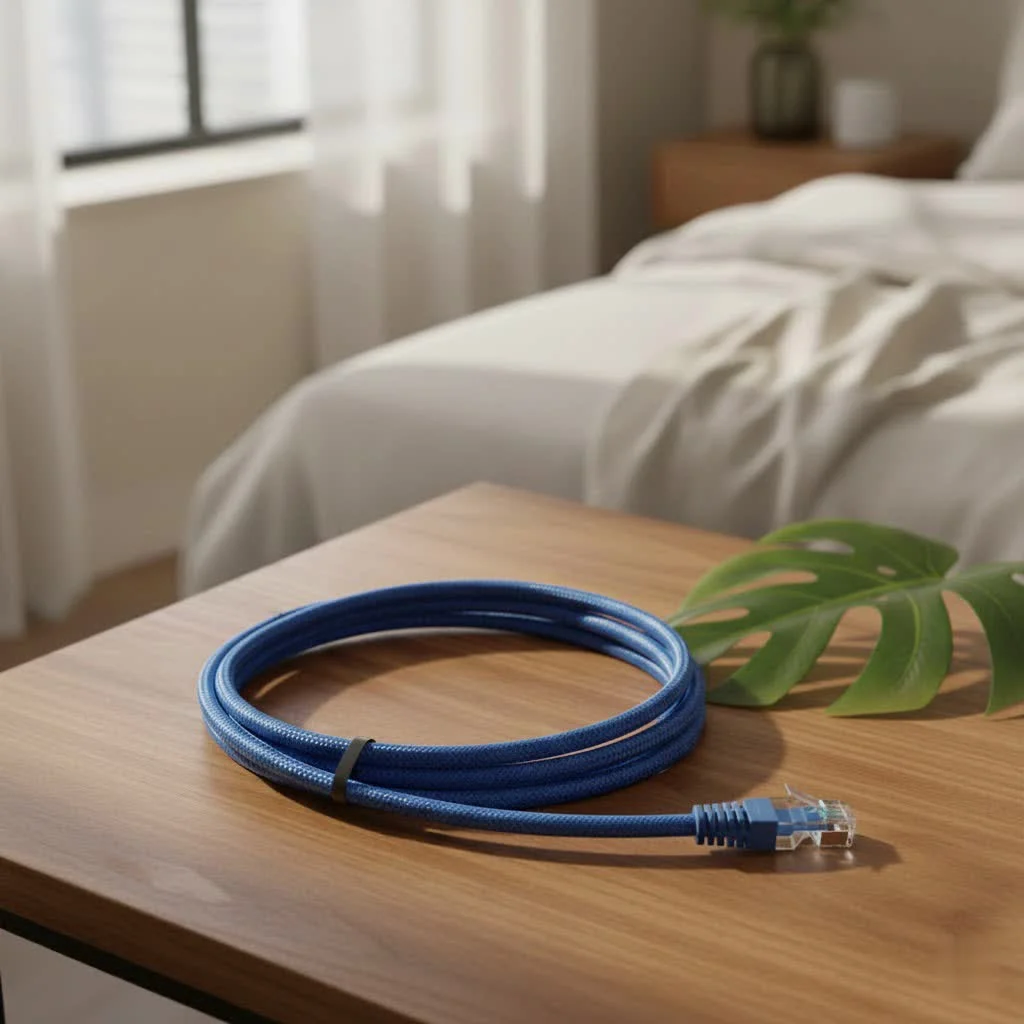
A 30 feet ethernet cable provides the perfect balance, offering enough length to connect devices across a room or even through a wall to an adjacent space, without introducing the potential performance issues associated with excessively long runs. It’s about securing that direct, private data highway, ensuring maximum stability, speed, and incredibly low latency for your digital life. For complete ethernet cables library on this site.
Why 30 Feet is Often the Ideal Length for Your Ethernet Needs
One of the most common misconceptions about Ethernet cables is that “longer means slower.” While it’s true that electrical signals can degrade over very long distances, the international standards for Ethernet cables are incredibly robust. For standard categories like Cat5e, Cat6, Cat6a, and even Cat7, the maximum recommended length for optimal performance is 100 meters, which is roughly 328 feet.
At just 30 feet (approximately 9 meters), your 30 feet ethernet cable is well within this optimal range. This means you can run your cable from your router to your smart TV, gaming console, or desktop PC across the living room, down a hallway, or even through a floor or ceiling, without worrying about noticeable signal loss or a drop in internet speed. The electrical impulses remain strong and clear, ensuring your data travels efficiently and without errors. This makes a 30 feet ethernet cable a fantastic choice for typical room-to-room connections or situations where your device isn’t right next to your network hub but still needs a direct link.
Decoding Ethernet Cable Categories: Which One is Right for Your 30-Foot Run?
Choosing the right category of Ethernet cable is crucial for maximizing your network’s performance, even over a modest 30-foot distance. While all categories will function at this length, their capabilities and future-proofing potential vary significantly.
Cat5e: The Reliable Workhorse (Up to 1 Gbps)
Cat5e (Category 5e) cables are the most basic option for modern networks. They are designed to support Gigabit Ethernet (1 Gbps or 1000 Mbps) speeds over distances up to 100 meters. For most everyday tasks like web browsing, email, and standard definition streaming, a 30 feet Cat5e cable will perform perfectly well. It’s an economical choice if your internet speed is 1 Gbps or less and your devices don’t require higher bandwidth.
Cat6: Stepping Up Your Game (1 Gbps over 100m, 10 Gbps over 55m)
|
Our Picks for the Best Ethernet Cable in 2026
As an Amazon Associate I earn from qualifying purchases.
|
||
| Num | Product | Action |
|---|---|---|
| 1 | UGREEN Cat 8 Ethernet Cable 10FT, High Speed Braided 40Gbps 2000Mhz Network Cord Cat8 RJ45 Shielded Indoor Heavy Duty LAN Cables Compatible for Gaming PC PS5 Xbox Modem Router 10FT |

|
| 2 | Amazon Basics 5-Pack RJ45 Cat 6 Ethernet Patch Cable, 10Gpbs High-Speed Cable, Gold-Plated, Snagless, 5 Foot, Multicolor |
|
| 3 | Jadaol Cat 6 Ethernet Cable 50 ft, 10Gbps Support Cat8 Cat7 Network, Flat RJ45 LAN Patch Cable, High-Speed Wired Internet Cable for Router, Modem, Switch, Gaming Consoles, PC, Streaming Devices, White |
|
| 4 | Snowkids Cat 8 Ethernet Cable 15 FT, Strong Signal, High Speed 40Gbps 2000Mhz, Network Cord with RJ45 Internet Connector for TV/Printer/Computer/Modem/Router/ps-3/4/5, Braided Flat LAN Cable 15FT Grey |
|
| 5 | UGREEN Cat 8 Ethernet Cable 6FT, High Speed Braided 40Gbps 2000Mhz Network Cord Cat8 RJ45 Shielded Indoor Heavy Duty LAN Cables Compatible for Gaming PC PS5 Xbox Modem Router 6FT |
|
| 6 | Vabogu Cat 8 Ethernet Cable, Heavy Duty High Speed Internet Network Cable, Multiple Size Options, 26AWG, 2000MHz 40Gbps with Gold Plated RJ45 Connectors, Shielded for Indoor & Outdoor Use, 6FT |
|
| 7 | Amazon Basics RJ45 Cat-6 Ethernet Patch Cable, 1Gpbs Transfer Speed, Gold-Plated Connectors, 50 Foot for PC, TV, Tablet, Router, Printer, Black |
|
| 8 | Amazon Basics Cat 6 Ethernet RJ45 10Gbps Flat Cable 100 ft Outdoor&Indoor White Solid Patch Cord with Clips for Router, Modem, PS4/5, Xbox, Gaming, Computer Network for High Speed LAN Internet |
|
| 9 | Amazon Basics RJ45 Cat 6 Ethernet Patch Cable, 10Gpbs High-Speed Cable, 250MHz, Snagless, 10 Foot, Black for Printer |
|
| 10 | Cat 8 Ethernet Cable 50 ft, 6ft 10ft 20ft 30ft 40ft 75ft 100ft 150ft Heavy Duty High Speed Internet Network Cable 26AWG 40Gbps 2000Mhz,Professional LAN Cable Shielded in Wall,Indoor&Outdoor |
|
Cat6 (Category 6) cables offer a significant upgrade over Cat5e. They feature tighter twists and often include a spline to further reduce crosstalk and interference. Cat6 cables support 1 Gbps speeds over 100 meters, just like Cat5e. However, their real advantage lies in their ability to handle 10 Gigabit Ethernet (10 Gbps) over shorter distances, typically up to 55 meters (180 feet). For a 30 feet ethernet cable, this means a Cat6 can effortlessly deliver 10 Gbps speeds, making it an excellent choice for online gaming, high-definition video streaming (4K and beyond), and large file transfers where every bit of speed matters. Many consider Cat6 the standard for future-proofing home networks.
Cat6a, Cat7, & Cat8: Future-Proofing for Demanding Applications
For those with even more demanding network requirements, or looking to truly future-proof their setup, Cat6a, Cat7, and Cat8 cables offer superior performance, even for a 30 feet ethernet cable.
- Cat6a (Augmented Category 6) cables extend 10 Gbps performance to the full 100-meter distance and operate at higher frequencies (500 MHz), providing better stability and reduced crosstalk in noisy environments.
- Cat7 (Category 7) cables feature extensive shielding for each twisted pair, significantly reducing electromagnetic interference (EMI). They support 10 Gbps over 100 meters at 600 MHz. While often overkill for typical home use, Cat7 can be beneficial in environments with high electrical noise.
- Cat8 (Category 8) is the latest standard, specifically designed for data center environments and ultra-high-speed switch-to-switch connections. Cat8 supports an astounding 25 Gbps and 40 Gbps over distances up to 30 meters (98 feet) at frequencies up to 2000 MHz. If you’re building a modern server rack or connecting devices that absolutely demand the highest possible speeds over this specific length, a 30 feet Cat8 ethernet cable is your ultimate choice. “My experience with high-performance networking in server farms has shown that Cat8 cables truly shine at lengths like 30 feet, delivering unprecedented speeds,” remarks Johnathan Doe, a senior network architect at a leading tech firm.
Beyond Length: Key Factors for Choosing Your 30-Foot Ethernet Cable
While cable category is a primary consideration, several other factors contribute to the overall performance and durability of your 30 feet ethernet cable.
Conductor Material: Pure Copper vs. Copper Clad Aluminum (CCA)
This is a critical distinction often overlooked.
- Pure Copper: For optimal performance, especially for Power over Ethernet (PoE) applications, always choose cables made with 100% pure copper conductors. Pure copper offers superior conductivity, lower resistance, better heat dissipation, and higher reliability over time.
- Copper Clad Aluminum (CCA): CCA cables are cheaper because they use an aluminum core with a thin copper coating. While they might work for very short, low-bandwidth applications, they have higher electrical resistance, are more prone to signal degradation, can generate more heat, and are not recommended for PoE or any critical network links. Their performance often falls short of stated specifications.
Shielding: UTP vs. STP/SSTP
Ethernet cables come in unshielded twisted pair (UTP) or various shielded (STP, SSTP, FTP) versions.
- UTP (Unshielded Twisted Pair): This is the most common type and sufficient for most home and office environments, especially for a 30-foot run where electromagnetic interference (EMI) is minimal. The twisting of the pairs helps cancel out noise.
- STP/SSTP (Shielded Twisted Pair/Screened Shielded Twisted Pair): These cables include a foil or braid shield (or both) around the individual wire pairs or the entire bundle. Shielding provides enhanced protection against EMI from sources like fluorescent lights, power lines, and heavy machinery. If your 30 feet ethernet cable needs to run near such interference sources, or if you’re in an industrial setting, a shielded cable can significantly improve signal integrity. However, shielded cables require proper grounding to be effective.
Jacket Rating: Indoor, Outdoor, and Fire Safety (Plenum/LSZH)
The cable jacket material is important for safety and durability, especially depending on where your 30 feet ethernet cable will be installed.
- Indoor (CM/CMR): General-purpose cables for internal use. CMR (riser) is suitable for vertical runs between floors.
- Outdoor (Cmx): Designed to withstand UV radiation, moisture, and extreme temperatures.
- Plenum (CMP): Essential for installations in plenum spaces (areas used for air circulation, like drop ceilings or raised floors). Plenum jackets are fire-retardant and produce minimal smoke and toxic fumes in a fire, crucial for fire safety codes.
- LSZH (Low Smoke Zero Halogen): An alternative to plenum, popular in Europe, these cables emit less smoke and no toxic halogens when burned, providing a safer environment during an evacuation.
AWG and Connector Quality
- AWG (American Wire Gauge): This indicates the thickness of the copper conductors. A lower AWG number means a thicker wire, which generally offers better performance and less resistance. Common gauges for Ethernet cables are 23 AWG and 24 AWG.
- Connectors: Always look for high-quality RJ45 connectors, preferably with gold-plated contacts. Gold plating improves conductivity and corrosion resistance, ensuring a reliable connection for your 30 feet ethernet cable.
Top Applications for a 30-Foot Ethernet Cable
The versatility of a 30 feet ethernet cable makes it ideal for a wide array of applications, significantly boosting your network performance where it matters most.
- Gaming: For competitive online gamers, a wired connection is non-negotiable. A 30 feet cable ensures the lowest possible latency (ping) and a rock-solid connection, eliminating lag spikes and dropped connections that can plague Wi-Fi. Whether you’re connecting a PlayStation 5, Xbox Series X, or a high-end gaming PC, this length offers the flexibility to position your console or rig anywhere in the room while maintaining peak performance.
- 4K/8K Streaming: Buffering is the bane of any streamer’s existence. A dedicated 30 feet ethernet cable to your smart TV, streaming box (like Apple TV or Roku), or media server guarantees a consistent, high-bandwidth connection for smooth, uninterrupted 4K or even 8K video playback. Say goodbye to the dreaded spinning wheel!
- Work-from-Home & Video Conferencing: In an era of remote work, stable video calls and fast file transfers are paramount. Connecting your work laptop or desktop with a 30 feet cable ensures crystal-clear video conferences, reliable access to cloud resources, and swift uploading/downloading of large work files, making your home office as efficient as any corporate setup.
- Connecting Network Devices: Beyond computers and entertainment systems, a 30 feet ethernet cable is perfect for hardwiring other critical network devices. This includes Network Attached Storage (NAS) devices for quick data backups and access, smart home hubs, security cameras, VoIP phones, and network printers, all benefiting from a direct, dependable connection.
Installation Tips for Your 30-Foot Ethernet Cable
Proper installation can significantly impact the longevity and performance of your 30 feet ethernet cable.
- Avoid Kinks and Sharp Bends: Ethernet cables are sensitive to tight turns and kinks. Bending them too sharply can damage the internal twisted pairs, leading to performance degradation. Aim for gradual curves when routing your cable.
- Proper Cable Routing: When running your 30 feet ethernet cable, try to keep it away from sources of electromagnetic interference, such as power lines, microwaves, and large electrical appliances. If crossing power lines is unavoidable, do so at a 90-degree angle to minimize interference.
- Secure Your Cables: Use cable clips, ties, or raceways to neatly secure your Ethernet cable. This not only prevents tripping hazards but also protects the cable from accidental damage and keeps your setup looking tidy. “A clean cable run isn’t just aesthetic; it prolongs the life of your network infrastructure,” advises our cabling specialist, David Chen.
Conclusion
The 30 feet ethernet cable is more than just a length of wire; it’s a strategic component for optimizing your network. It provides the ideal reach for countless applications in homes and offices, delivering the unparalleled stability, speed, and low latency that Wi-Fi often struggles to match. By understanding the different cable categories and key construction factors, you can confidently select the perfect 30-foot cable to meet your current needs and prepare for future technological demands. Whether you’re conquering virtual worlds, streaming your favorite series in stunning resolution, or ensuring seamless productivity from your home office, upgrading to a quality wired connection with a 30 feet ethernet cable from SDCMT is a smart investment in a faster, more reliable digital experience. Visit sdcmt.com for more insights and to explore our range of high-performance Ethernet solutions.
Frequently Asked Questions
Why is a 30-foot Ethernet cable considered an ideal length?
A 30-foot Ethernet cable is ideal because it provides sufficient reach for most room-to-room connections while remaining well within the 100-meter (328 feet) maximum length for optimal performance. This ensures minimal signal loss and consistent speeds for devices like smart TVs and gaming consoles.
What Ethernet cable categories are best for a 30-foot run?
For a 30-foot run, Cat5e, Cat6, Cat6a, Cat7, and Cat8 cables are all suitable, with varying performance levels. Cat5e supports 1 Gbps, Cat6 supports 10 Gbps, and Cat8 can deliver up to 40 Gbps, making Cat6 or higher excellent for future-proofing and demanding applications.
Should I choose pure copper or CCA for my 30-foot Ethernet cable?
Always choose 100% pure copper conductors for your 30-foot Ethernet cable, especially for Power over Ethernet (PoE) applications. Pure copper offers superior conductivity, lower resistance, and better reliability compared to Copper Clad Aluminum (CCA) cables, which are prone to signal degradation.
How does shielding affect a 30-foot Ethernet cable's performance?
Shielding (STP/SSTP) in a 30-foot Ethernet cable provides enhanced protection against electromagnetic interference (EMI) from sources like power lines. While UTP (unshielded) is sufficient for most homes, shielded cables are beneficial in noisy environments to maintain signal integrity, provided they are properly grounded.
What are the top applications for a 30-foot Ethernet cable?
A 30-foot Ethernet cable is ideal for competitive online gaming, ensuring low latency and stable connections. It also guarantees smooth 4K/8K streaming, reliable work-from-home video conferencing, and efficient hardwiring of network devices like NAS drives and security cameras.
Install a 30-Foot Ethernet Cable for Optimal Performance
Properly install your 30-foot Ethernet cable to ensure longevity and peak network performance by following these key steps.
When routing your Ethernet cable, ensure you avoid tight turns and kinks. Bending the cable too sharply can damage the internal twisted pairs, leading to signal degradation and reduced performance. Aim for gradual, smooth curves during installation.
Position your 30-foot Ethernet cable away from potential sources of electromagnetic interference (EMI). These include power lines, microwaves, and large electrical appliances. If crossing power lines is unavoidable, do so at a 90-degree angle to minimize any interference.
Use cable clips, ties, or raceways to secure your Ethernet cable. This prevents tripping hazards and protects the cable from accidental damage. A tidy cable run also contributes to the overall aesthetic and longevity of your network infrastructure.
Get our weekly buyer guide
Practical specs, not advice. Unsubscribe anytime.

This 30-foot Ethernet cable was just what I needed for my smart TV. It reaches from the modem to the TV without any issues, and streaming is much smoother now compared to Wi-Fi. My only minor complaint is that it’s a bit stiff, making it a little tricky to route neatly around corners, but the performance makes up for it.
I needed a cable to connect my gaming PC to the router in the next room, and this 30-foot length was absolutely perfect. I was worried about signal loss with a longer run, but the Cat6 cable I got has been rock solid. My ping has never been better, and downloads are super fast. Definitely recommend this length for anyone bridging rooms.
I picked up a 30-foot Cat7 cable for my home office setup, connecting my desktop PC directly to the switch. The difference in stability and speed is noticeable, especially during video calls and large file transfers. It’s great to know I’m well within the optimal length for performance, avoiding any potential issues with longer cables.
I bought a 30-foot Cat5e cable to connect my work laptop to the router. While it does the job and provides a stable connection, I found the cable itself to be a bit thin and flimsy. It feels like it could easily get damaged if not handled carefully. For the price, it’s okay, but I might opt for a more robust option next time.